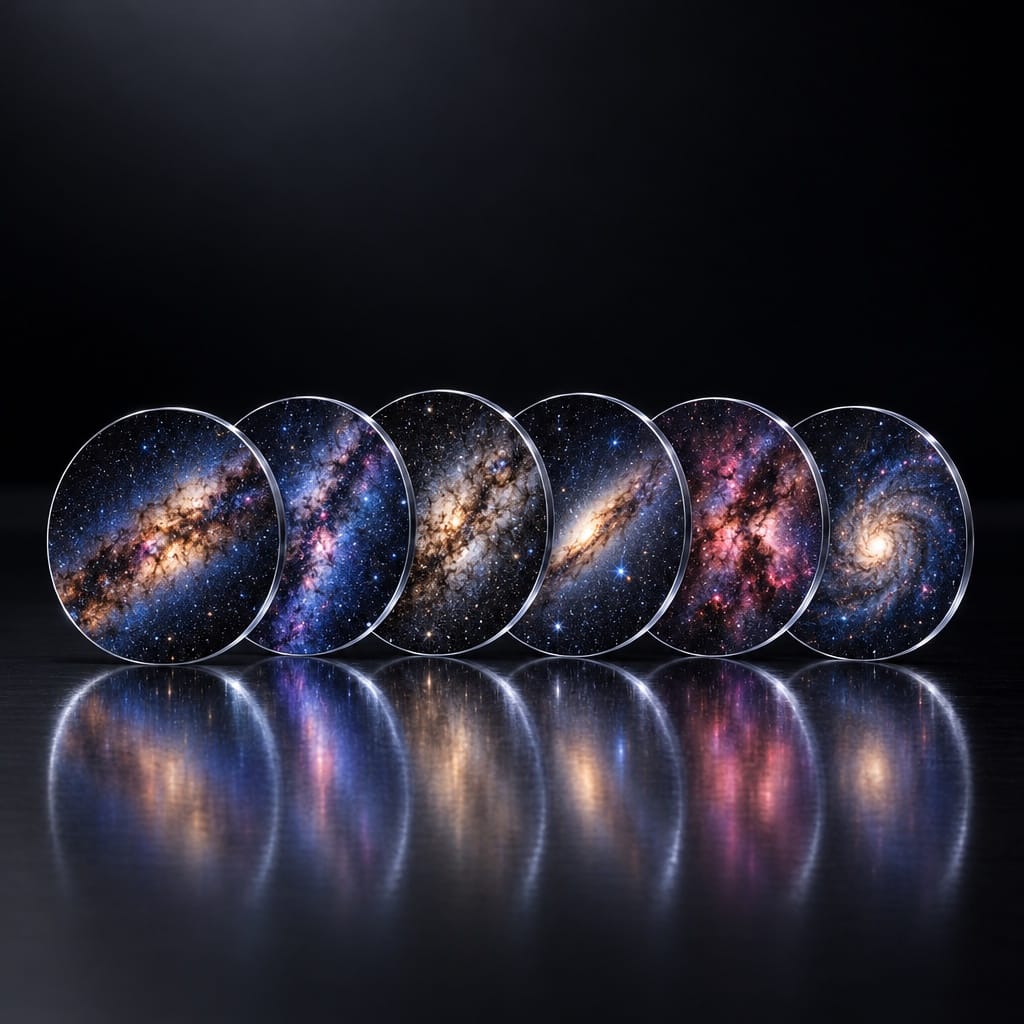
GalaxyDisc Pack
Six film discs in one theme. Drop one in and your ceiling becomes somewhere else. Projector not included.
Fits the Galaxy Star Projector, model BL-DQY02. The projector is sold separately.
Each pack is 6 film discs in one theme. Drop a disc into the top of the projector, twist the ring to focus and the room changes. Discs swap in seconds, so one projector keeps getting new skies. The projector is sold separately.
- 6 film discs, Milky Way theme
- Projector not included
New scenes for your Galaxy Star Projector. Each pack holds 6 film discs in one theme.
This is an add-on. The projector already comes with 12 discs, so you only need a pack if you want more. The projector is not included.
Themes
- Milky Way
- Nebula
- Ocean: coral reefs, sea creatures and deep blue water
- Space
Which projector it fits
Made for the Galaxy Star Projector sold in our store (model BL-DQY02). The discs won't fit other projectors.
How to change a disc
- Turn the projector off.
- Take out the current disc and insert the new one.
- Turn it on and twist the ring on top until the image is sharp.
Matte, anti-glare discs keep the image clear in a dark room.
Try a
world
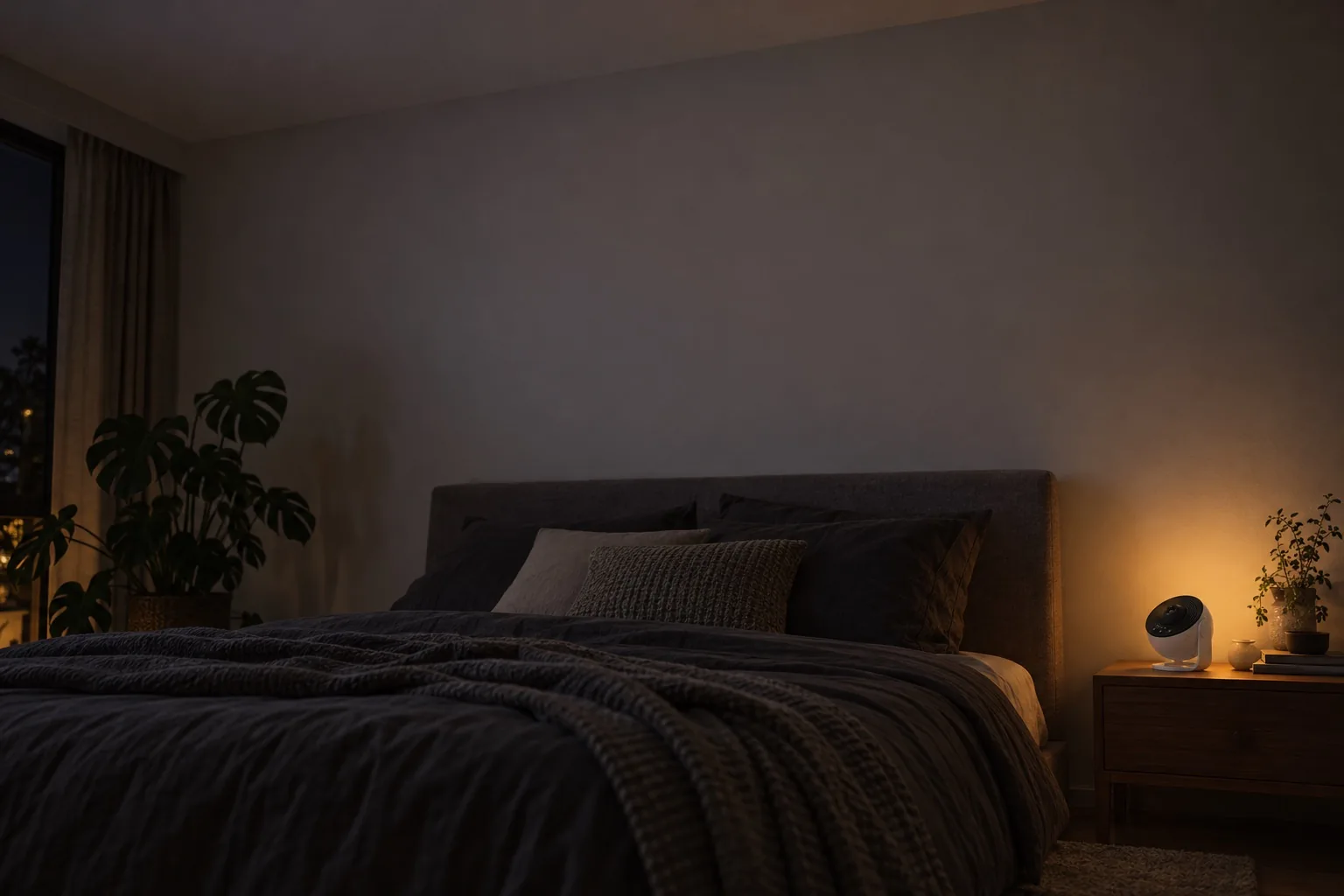
Same bedroom, lights off. Pick a disc and watch it come out of the lens. These are Disc Packs, sold separately: the projector already comes with 12 space discs.
Three moves
to elsewhere
No app, no Wi-Fi, no setup. If you can change a lightbulb, you can change the universe.
Drop in a disc
Pick tonight's world and click it into the top of the sphere.
Twist to focus
Turn the ring on top until the stars go sharp. The picture reaches up to about 10 ft.
Kill the lights
Press power and lie back. Hold the rotation button for 2 seconds and it switches itself off after an hour.